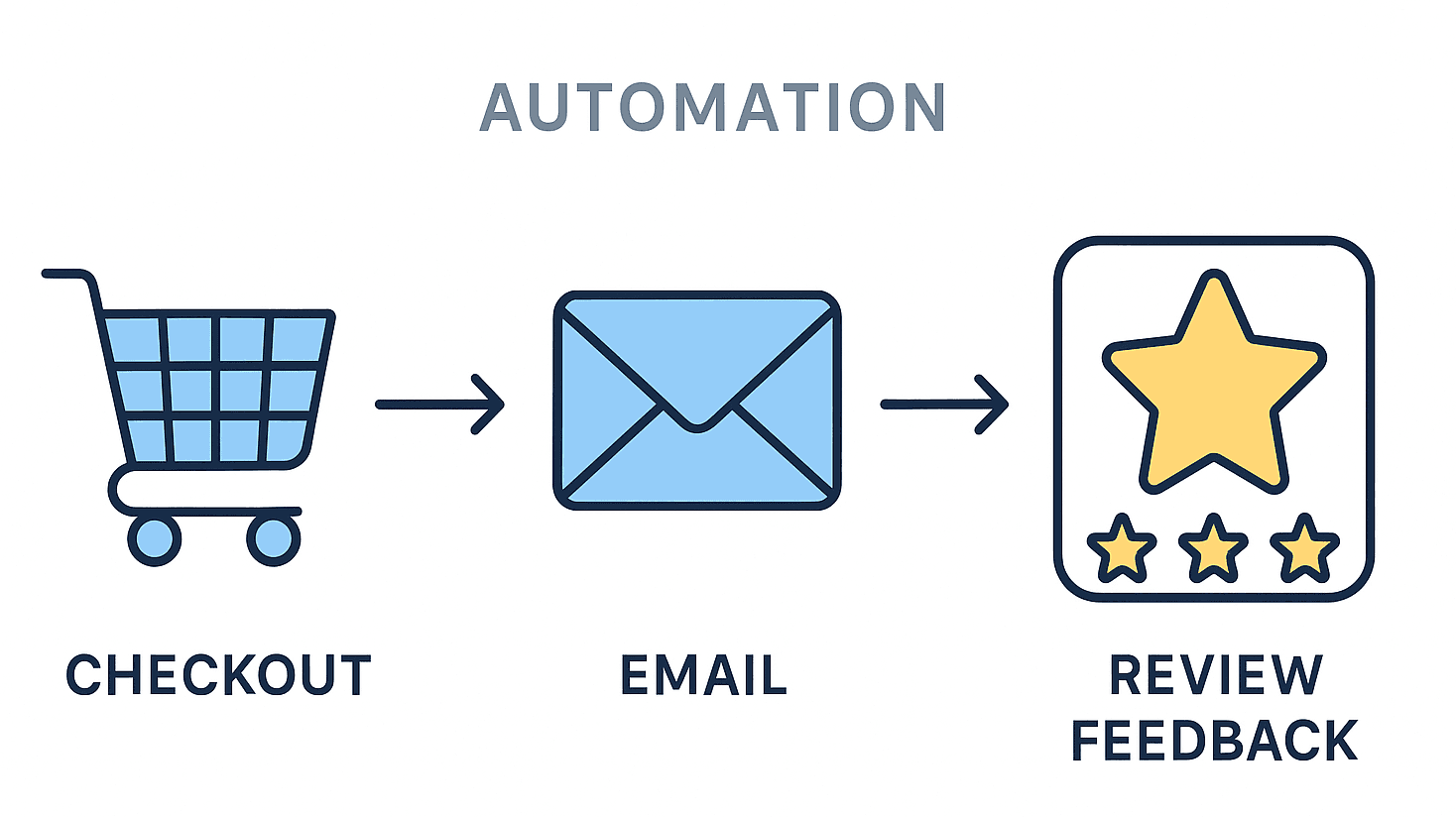

Introduction
Manually asking every customer for feedback is unsustainable.
Automation lets you request reviews at the right time, through the right channel, increasing both volume and authenticity.
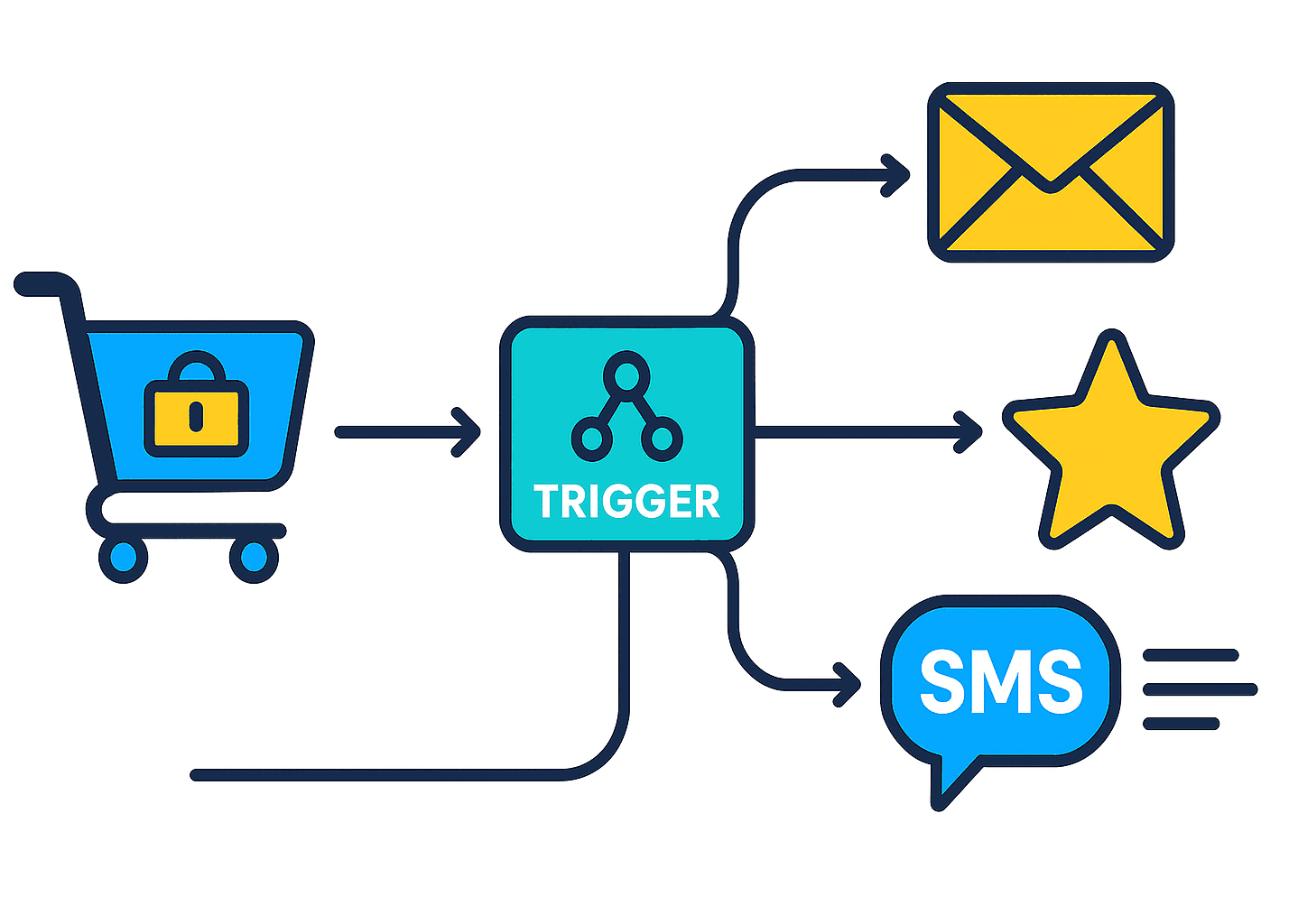
1. Set Clear Triggers
Define when the system should send a review request:
- After a completed order
- Following service delivery
- Post-interaction (e.g., support ticket closed)
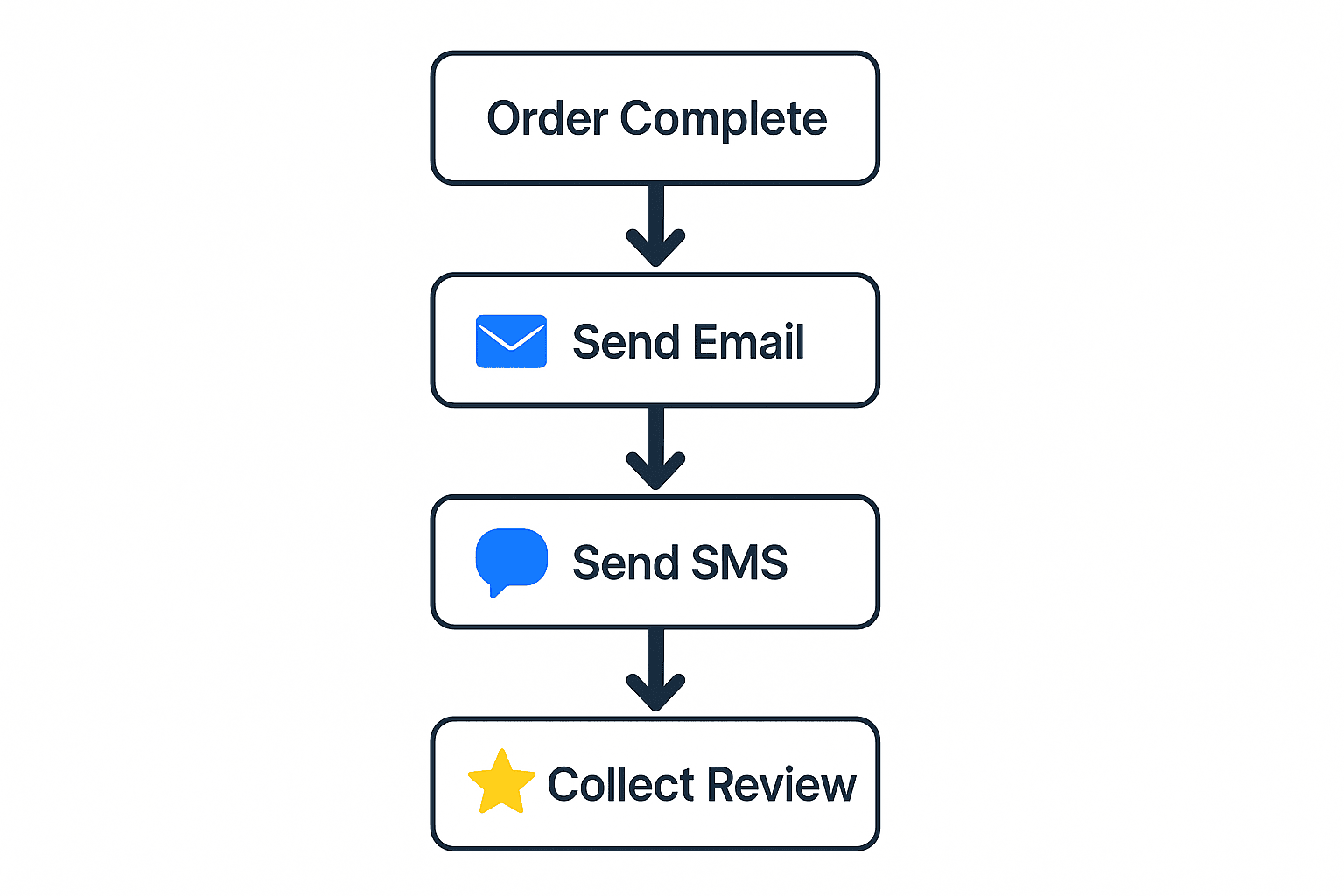
2. Choose Your Channels
Email works best for detailed feedback.
SMS drives quick, instant responses — especially in B2C contexts.
Combining both achieves the highest reach.
3. Personalize Your Messages
Add dynamic variables (name, product, order ID).
Personalization increases response rates by up to 40 %.
4. Integrate with Your CRM or E-commerce Platform
Tools like ShowAllReviews connect directly to your CRM or shop system, automating the entire workflow.
5. Monitor and Optimize
Track open, click, and submission rates.
Adjust timing, subject lines, or message tone to improve results.