
Introduction
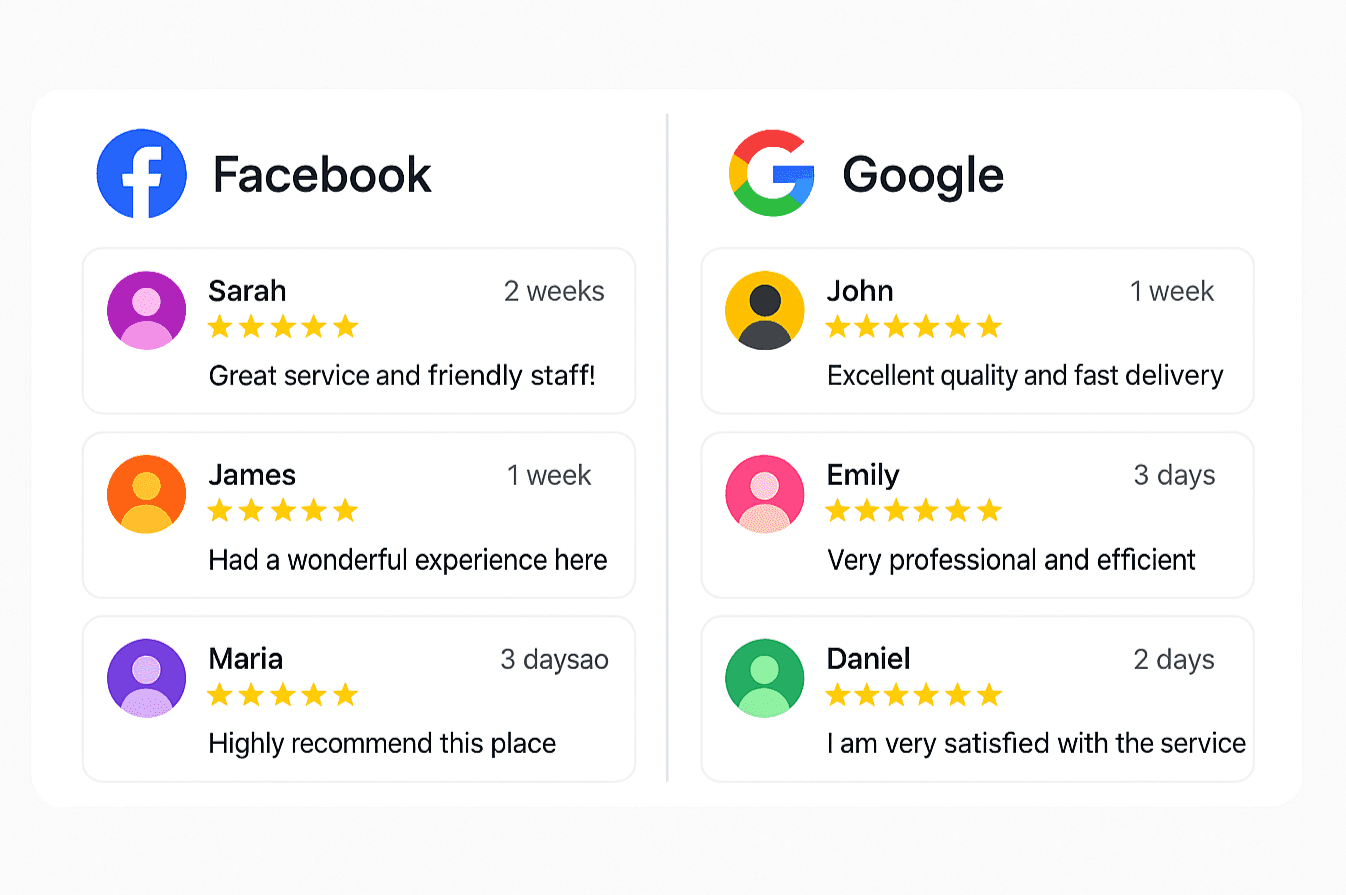
Reviews boost credibility — but embedding them poorly can slow down your site.
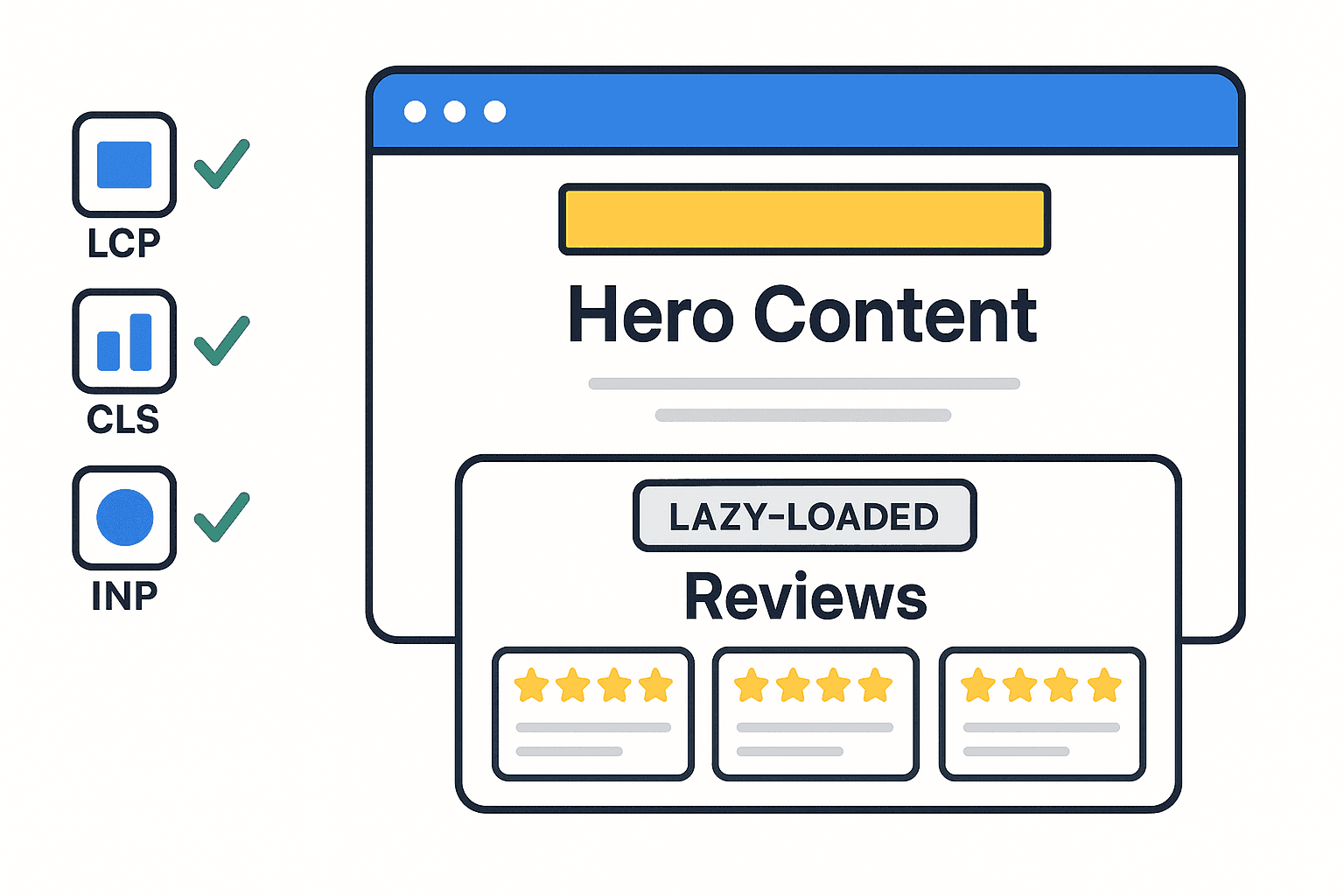
Google’s Core Web Vitals reward pages that load fast and stay interactive, so optimization is crucial.
1. Use Lazy Loading
Load reviews only when the user scrolls near the section.
This improves Largest Contentful Paint (LCP) and user experience.
2. Compress and Cache Assets
Minimize widget CSS/JS and cache responses for returning visitors.
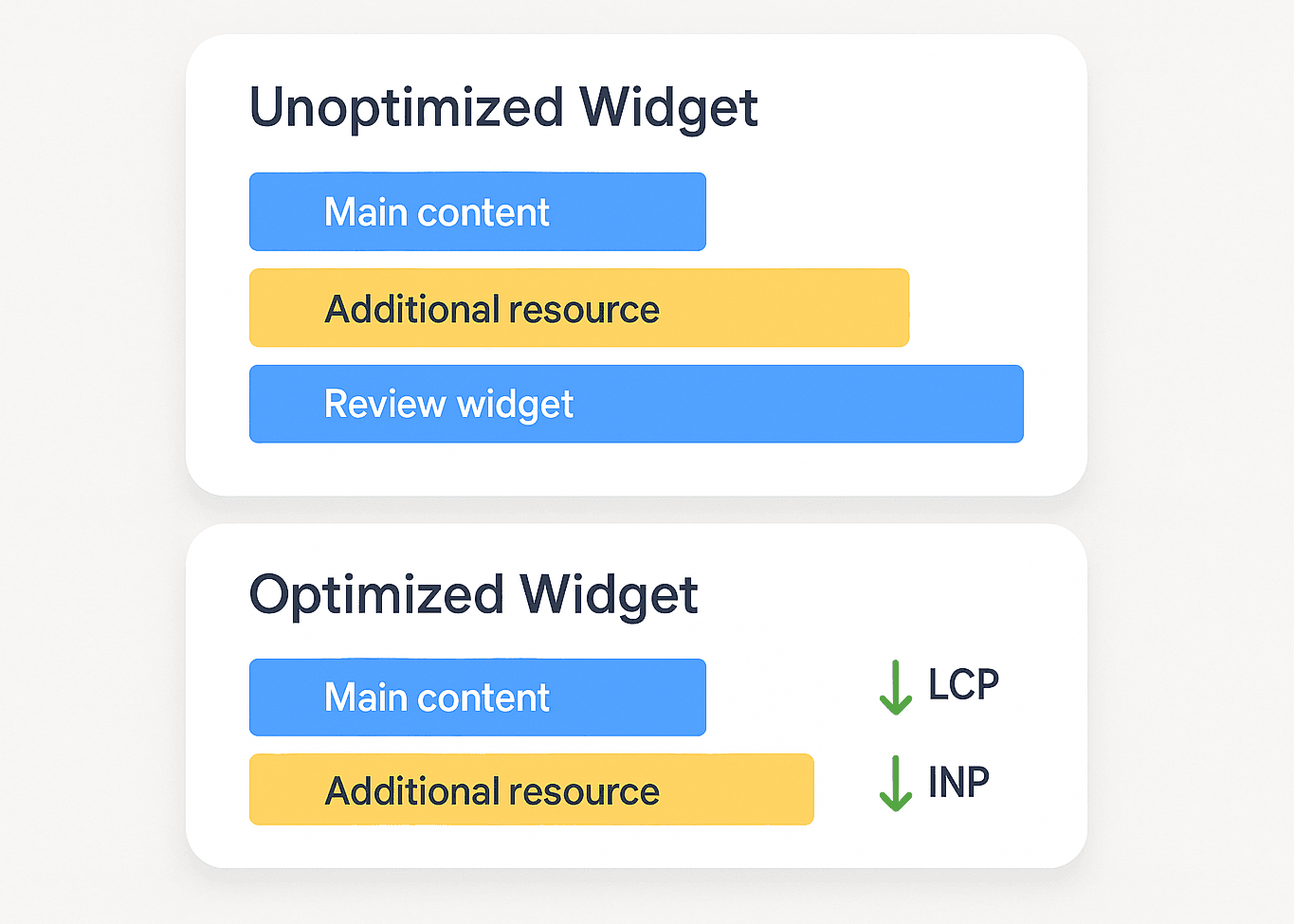
3. Prefer Asynchronous Embeds
Asynchronous scripts ensure that widgets like ShowAllReviews load after your main content — not before.
4. Limit Third-Party Requests
Avoid stacking multiple widgets. Aggregate everything into one optimized display.